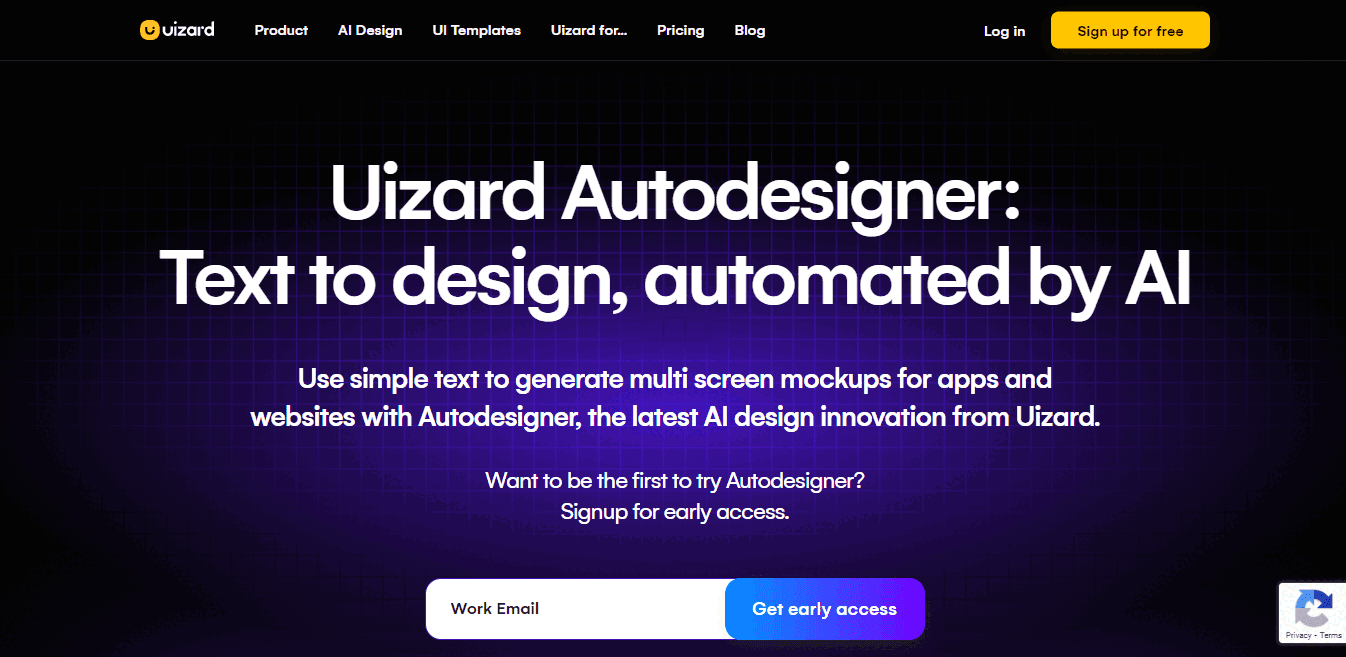
Uizard is a cutting-edge design and ideation tool that revolutionizes the design process powered by AI.
Whether you're an experienced designer or someone new to design, Uizard offers a platform that simplifies and accelerates your design journey.
From generating mockups to real-time collaboration, Uizard empowers you to bring your design ideas to life rapidly and effortlessly.
Read on to learn more about Uizard key features, pricing plans, pros & cons, comparison with alternatives and review to make an informed decision for your UI design creation needs.
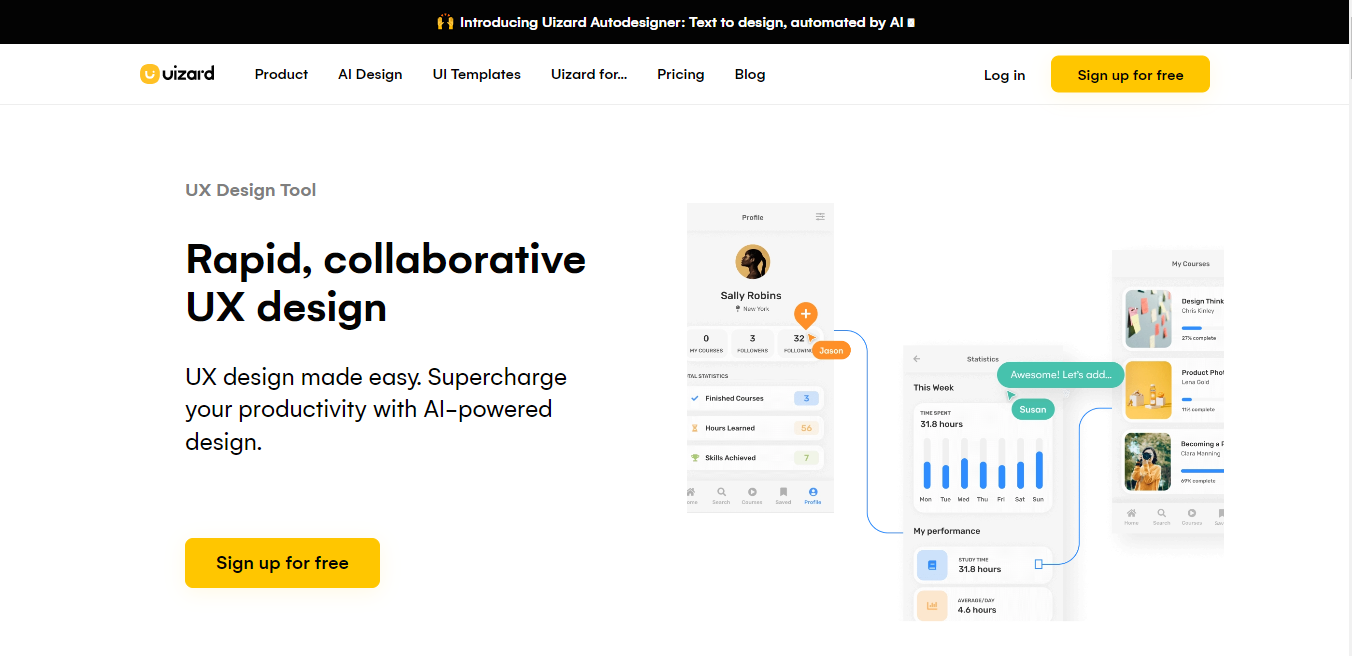
Uizard Key Features
| Feature | Description |
|---|---|
| Limitless Design | Uizard allows users to create mockups seamlessly, be it from text prompts, scanned app or website screenshots, or by simply dragging and dropping UI components. This flexibility opens up endless possibilities for visualizing and iterating your ideas. |
| AI Integration | The heart of Uizard's innovation lies in its integration of powerful AI technology. This AI-driven approach enables design processes to be more intuitive and faster, making it easier than ever to go from initial concepts to clickable prototypes. |
| Real-time Collaboration | Uizard supports real-time collaboration, enabling teams to work together effortlessly and inviting stakeholders to provide immediate feedback on design concepts. This collaborative environment enhances productivity and project efficiency. |
| Use Cases | Uizard serves as a versatile UI design tool, suitable for creating beautiful app wireframes, mockups, and prototypes through AI-generated designs from a variety of sources. It caters to a diverse user base, including non-designers, founders, marketing agencies, product managers, and experienced designers. |
| Ease of Use | Uizard's user-friendly platform simplifies the design process. Users can start with pre-made design templates or create designs from scratch using Uizard's components. The Design Assistant feature even allows for the quick transformation of hand-drawn sketches into digital designs. |
| Pricing Options | Uizard offers both a free version, granting access to the platform and basic UI templates and components, as well as a paid plan, unlocking additional features and a broader range of pre-made design templates and components. |
| Community and Ratings | Uizard places a strong emphasis on community support and has garnered positive ratings, earning a 4.6-star rating on platforms like Capterra and Software Advice. Users appreciate Uizard's ability to rapidly design wireframes and prototypes, facilitating faster product launches. |
Uizard Pricing Plans
1. Free
The free plan offers up to three projects, ten screens per project, ten pre-made templates, and five custom templates.
2. Pro
There are up to 100 projects, unlimited screens, unlimited access to the full library of templates, up to 50 custom templates, unlimited screens, and priority support.
Price
It costs $12/month.
3. Business
Everything from Pro plus; unlimited website projects, unlimited custom templates, and 24/7 support.
Price
It costs $49/month.
4. Enterprise
Everything is from Business plus; Design system setup, custom templates setup, and 24/7 premium support.
Price
Custom pricing.
Uizard Pros And Cons
PROS
CONS
Uizard AI Comparison With Alternatives In 2023
| Feature | Uizard | ProtoPie | Figma | UXPin | MockFlow |
|---|---|---|---|---|---|
| Core Competency | AI-powered design generation and versatility | Hardware interaction and specialized industry focus | Real-time collaboration and design workflows | Centralize your design process | Handy tools to assist with design content |
| Unique Feature | AI-generated designs from various sources | Realistic automotive UX and HMI simulations | Collaboration and design features | Simplify your development process | Super fast copywriting & image generation |
| Import from Design Tools | Compatible with Figma, Sketch, XD | Compatible with Figma, Proto.io, Framer, Adobe XD | Compatible with several design tools | Import from Sketch | Compatible with Google Drive or Dropbox, import directly with the built-in integration and use them in your designs |
| Hardware Interaction | Limited hardware interaction capabilities | Extensive hardware interaction for automotive, game, mobile, tablet, smartwatch, TV & productions | Doesn't offer hardware interaction | Doesn't offer hardware interaction | Doesn't offer hardware interaction |
| High-Fidelity Prototyping | High-fidelity prototyping supported | High-fidelity prototyping capabilities | Create realistic prototypes for testing | High-fidelity prototypes | Specialized components for different styles |
| Real-Time Collaboration | Real-time collaboration for teamwork | Collaboration features for team projects | Collaborative design with real-time features | Simplified collaboration | Role-based sharing and team chat |
| AI-Generated Designs | AI-powered design generation for efficiency | AI-generated designs from various sources | AI-generated designs from various sources | AI-generated designs from various sources | AI features to generate content |
| Ease of Use | User-friendly design platform | User experience details not provided | Collaboration for efficient design workflows | User-friendly interface | User-friendly interface |
| Industry Focus | Versatile, catering to various industries | Focus on automotive, game, mobile & tablet, smartwatch, TV & productions | Used in various industries, including design | Designers, Developers, DesignOps, and User Testing | Suitable for individuals and businesses involved in web and graphic design. |
| Additional Features | Real-time collaboration, advanced prototyping, wireframing features, design generation from AI text prompts | Cross-device interactions, high-fidelity prototyping, and hardware and API Integration | Shared design libraries, collaboration, and advanced prototyping capabilities | offers more integrations that will help you design with code. | Instantly access Icon libraries |
| Pricing Information | Free, Pro;$12/month, Business;$49/month | Free, Pro; $67/month, Enterprise; Custom pricing | Starter: Free Professional: $12 per editor/month Enterprise: $45 per editor/month | Essentials: $6 per editor/month Advanced: $29 per editor/month Professional: $69 per editor/month Company: $119 per editor/month | Basic: $0, Wireframing: $14 per editor/month, Product Design: $19 per editor/month, Enterprise: Custom |
Uizard vs. ProtoPie
1. Primary Use Case
Uizard is a versatile UI design tool for creating app wireframes, mockups, and prototypes with AI-generated designs.
It caters to a diverse user base, including non-designers, founders, marketing agencies, product managers, and experienced designers.
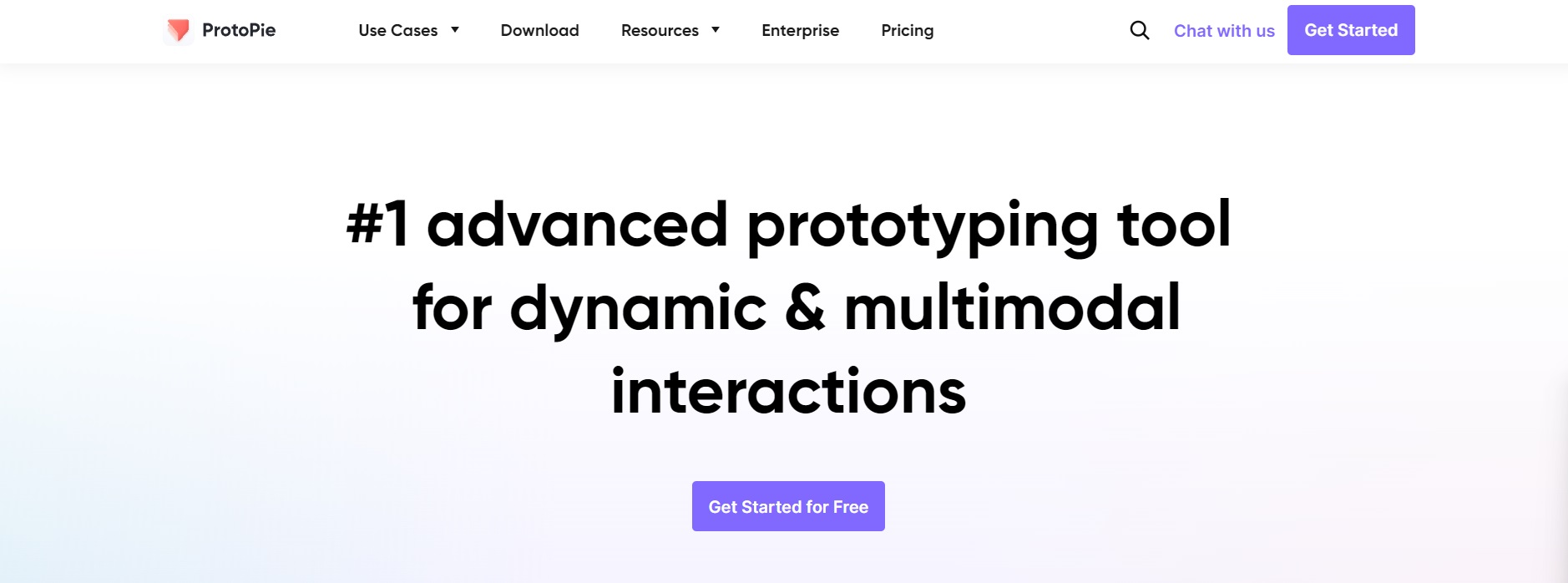
ProtoPie is a high-fidelity prototyping tool designed for creating interactive and realistic user experiences across various devices.
2. User Interface
Uizard offers a user-friendly platform for UI design, making it accessible to beginners and experienced designers.
ProtoPie provides a visual interface specifically designed for creating and testing interactive prototypes.
3. Limitless Design
Uizard allows users to create mockups seamlessly, enabling design from text prompts, scanned app or website screenshots, or by simply dragging and dropping UI components, opening up endless possibilities for visualizing and iterating your ideas.
ProtoPie focuses on creating highly interactive prototypes with support for multi-touch gestures, voice interaction, keyboard input, and device sensors.
4. AI Integration
Uizard's innovation lies in its integration of powerful AI technology. This AI-driven approach makes design processes more intuitive and faster, facilitating the transition from initial concepts to clickable prototypes.
ProtoPie does not integrate AI but excels in interactive prototyping.
5. Real-time Collaboration
Uizard supports real-time collaboration, enabling teams to work together effortlessly and inviting stakeholders to provide immediate feedback on design concepts. This collaborative environment enhances productivity and project efficiency.
ProtoPie does not prioritize real-time collaboration as its primary use case.
6. Device and Platform Support
Uizard focuses on UI design, and its device and platform support align with that goal.
ProtoPie supports a wide range of devices and platforms, including mobile, tablet, smartwatch, and TV, making it suitable for testing cross-device interactions.
7. Import and Export
Uizard is primarily a UI design tool, while its design-to-code functionality is limited.
ProtoPie is designed for interactive prototyping and does not generate code.
8. Pricing Options
Uizard offers a free version, granting access to the platform, basic UI templates and components, and a paid plan, unlocking additional features and a broader range of pre-made design templates and elements.
ProtoPie too offers a free trial and a range of pricing options with $67 per editor per month and an Enterprise plan with custom pricing.
9. Learning Curve
Uizard's user-friendly platform simplifies the design process, making it accessible for users with varying levels of design experience.
ProtoPie's visual interface and interaction design capabilities make it user-friendly and accessible for designers.
Uizard Review
Uizard's easy-to-use drag-and-drop editor and AI features help users design and prototype user interfaces for web and mobile applications.
Its powerful AI capabilities can assist with a wide range of tasks from heatmap prediction, text generation, UI theme creation, and speed up your design process and improve the quality of your designs.
1. Limitless Design
Uizard helps users to create mockups effortlessly. It can generate designs from text prompts, website screenshots and by scanning an app.
With a simple drag-and-drop interface, Uizard can help build apps or web designs and break down traditional design barriers, allowing for boundless creativity.
2. AI Integration
Uizard's hallmark feature is its robust integration of AI technology.
This AI-driven approach streamlines design processes, making them more intuitive and efficient, facilitating the transition from initial ideas to clickable prototypes.
3. Real-time Collaboration
It enables teams to work together and invites stakeholders to provide immediate feedback, enhancing productivity and project efficiency.
4. Use Cases
Users can create wireframes, mockups, or prototypes from various sources, making it a valuable asset for founders, marketing agencies, product managers, and seasoned designers.
5. Ease of Use
Uizard's user-friendly platform is designed with accessibility in mind, making it incredibly easy for designers and non-designers to craft stunning UI in minutes.
Users can start from scratch, honing their creativity, or choose from pre-made design templates for a quick start.
Uizard makes it easy for everyone, whether you're an experienced designer or new to the world of web and app design, to create high-quality prototypes with its advanced AI features.
6. From Sketch to High-Fidelity Prototypes
Uizard is a powerful platform that allows you to digitize your hand-drawn design ideas effortlessly, automatically turning them into polished designs and a wireframe mode for high or low-fidelity rendering.
It streamlines the process from concept to high-quality clickable prototypes, providing a seamless transition between different fidelity levels with a simple click.
7. Community and Ratings
Uizard places great importance on community support, reflected in its impressive 4.6-star rating on platforms like Capterra and Software Advice.
Users commend Uizard for its rapid wireframe and prototype design capabilities, praising its role in accelerating product launches.
8. UI Design Templates
Uizard offers a variety of pre-made UI design templates to expedite your design process.
From mobile app templates for Android and iOS to versatile web design templates, Uizard's user-friendly platform provides an extensive library of UI components to support your design needs.
9. AI-Powered Prompts for Design
Uizard's AI prompts empower users to create designs with unprecedented speed and convenience.
You can use simple text prompts to create multi-screen prototypes, single screens, themes, or images, fueling your design possibilities.
10. Uizard's Latest Updates
Uizard introduced exciting new updates to enhance your design experience in October 2023.
- Using simple text prompts, you can now generate screens, themes, and images with Autodesigner 1.5.
- The image and theme generators are now conveniently located within the Autodesigner widget.
- Additionally, Uizard has updated screen toolbars to make screen management more user-friendly.
Conclusion
Uizard is the ultimate transformative AI-powered design and creativity tool that bridges the gap between experienced designers and those new to design.
Uizard automatically simplifies the design process with its ease of use, versatile features, and real-time collaboration capabilities. It is valuable for various design needs, from startups to established companies.
With its AI integration and support for rapid prototyping, Uizard is a tool that reflects the future of design, becoming a game-changer in the world of design, making the entire design process accessible and efficient for all.