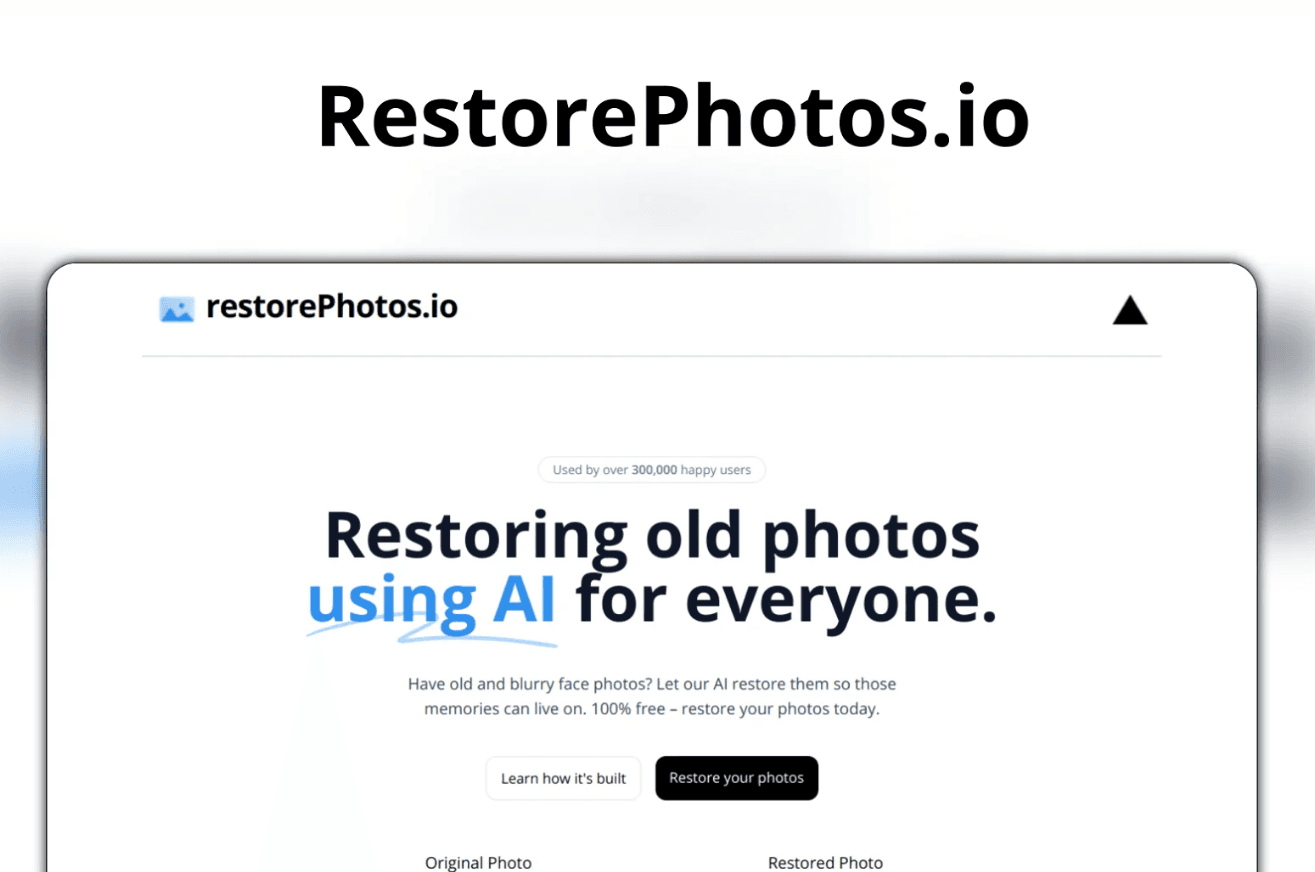
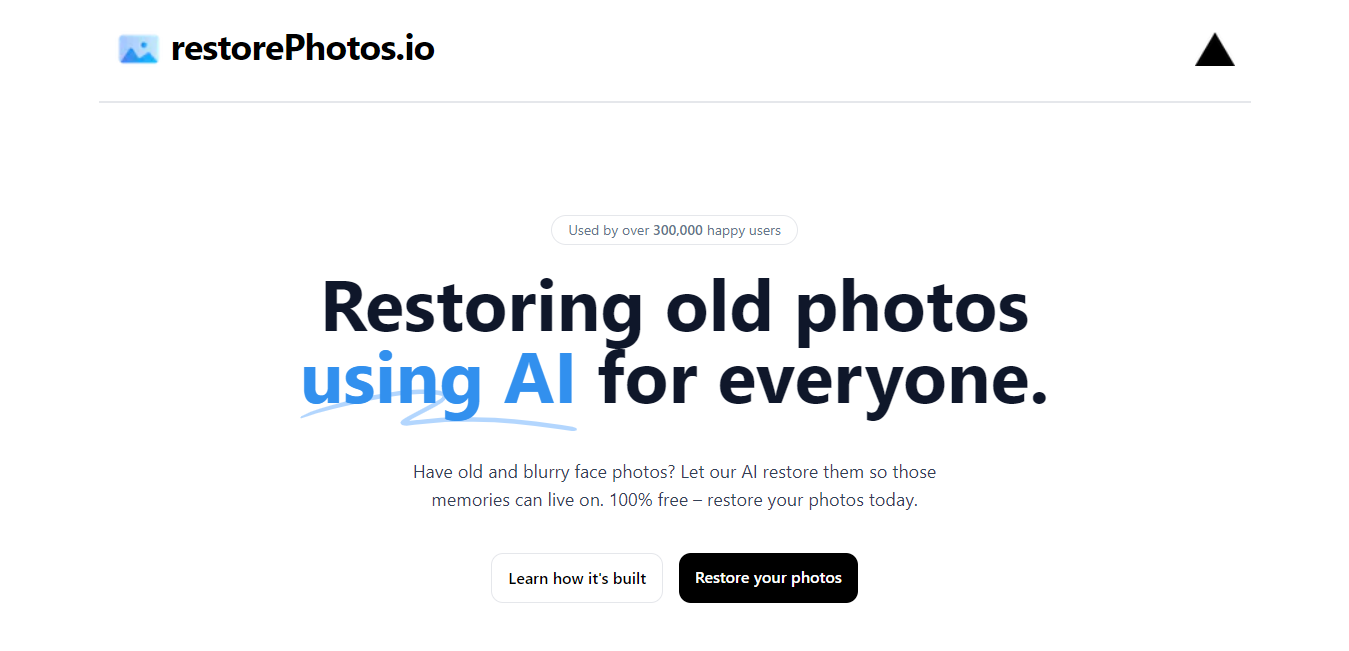
RestorePhotos.io is an online platform specializing in photo restoration using the latest AI and machine learning technology.
It offers a user-friendly interface and seamless experience for individuals looking to restore their old, blurry face photos.
With a mission to make photo restoration accessible to everyone, RestorePhotos.io provides its services free of charge, ensuring that memories can be revived without any financial barrier.
What is AI Photo Restoration of Old Photos?
Photo restoration means improving the quality of old photos that have damaged, faded, or deteriorated over time.
There are professional digital restoration tools and techniques to repair cracks, remove stains, correct color fading, and enhance overall image quality.
Using advanced software algorithms and cutting-edge AI-powered models, photo restoration can breathe new life into vintage photographs, preserving their original charm while restoring lost details and colors.
Restorephotos.io Features
[TABLE]
Why Restorephotos.io is Better Than Traditional Photo Editing Software?
Whoever has ever worked with traditional editing software knows its drawbacks, such as the steep learning curve, costs, and technical expertise.
Here's a brief overview of the disadvantages of traditional photo editing software as compared to Restorephotos.io:
1. Cost
Traditional photo editing software like Photoshop often requires a paid subscription or a one-time purchase.
These costs can add up, especially for professional-grade software.
Additionally, some software may offer different packages for individuals, businesses, or educational institutions, increasing costs.
2. Steep Learning Curve
Traditional photo editing software is feature-rich and complex, designed to cater to professional users.
They offer a wide range of tools and advanced capabilities, but mastering them can take time and effort.
Beginners or casual users may find learning and navigating the software's interface and features challenging.
3. Compatibility and Installation
Traditional software usually requires installation on your computer, which can be time-consuming and may require technical expertise.
Additionally, compatibility issues may arise depending on your operating system, limiting access for some users.
Comparison With the Traditional Photo Editing Software
| Software | Price | Features and Specifications | User-Friendliness |
| Adobe Photoshop | $9.90 per month | A comprehensive editing tool | Professionals |
| Luminar | $69.49 (One-time payment) | AI-based editing, plug-in support | Beginner-friendly |
| PhotoWorks | Free or $19.25/year | Precise restoration tools, automatic enhancements | All Users |
| AKVIS | $49 (One-time purchase) | Object removal, AI-powered techniques, batch processing | All Users |
| Restorephotos.io | Free of cost | AI-based restoration, watermark remover, color correction | All Users |
Restorephotos.io Comparison With its Alternatives
| Features | Fotor's Online Photo Editor | Vance AI Photo Restorer | Hotpot's AI Picture Restorer | ImageColorizer's AI Photo Restorer | MyHeritage's AI Photo Restorer |
| Old Photo Restoration with AI | Restore old photos and blurry images using AI technology | Automatically removes scratches, spots, tears, and imperfections | Automatically removes scratches and imperfections from picutures | Upscales images and enhances details using AI technology | Enhances family photos and upscale faces using AI technology |
| Get Photo Restoration App for Mobile Devices | Available for iPhone and Android devices. | Available for Windows, faster batch processing for restoration. | Not available. | Available for iOS and Android | Not available. |
| Auto Repair Images | Automatically fixes scratches, spots, tears, and imperfections. | Automatically removes scratches and imperfections from pictures. | Automatically removes scratches, enhances & Upscales old pictures | Automatically removes scratches, enhances & Upscales old pictures | Automatically fixes scratches, spots, tears, and imperfections |
| Easy Restoration Process | Simple upload and instantly get a restored photo | Simple drag and drop for automatic restoration. | Not available. | Simple upload for black and white photo restoration. | Not available. |
| Privacy Protection | Photos are protected and cleared within 24 hours. | User data is deleted within 24 hours after processing. | User data is cleared every 24 hours; no photos are stored without permission. | User data is cleared every 24 hours; no photos are stored without permission. | Photos preserved, the original photo remains intact. |
| Compatibility with Black and White Photos | Supports black and white and vintage faded photos. | Supports black-and-white photos. | Supports both color and black & white photos. | Supports black and white and faded color photos. | Supports black and white and faded color photos. |
| Subscription Pricing | Free to use with some limitations. | Offers subscription plans for additional features and benefits. | Offers subscription plans for additional features and benefits. | Free to use with some limitations; additional features available. | Offers subscription plans for additional features and benefits. |
PROS
CONS
Restorephotos.io Review
Do you have old, black-and-white photographs that hold a treasure trove of memories, but their blurry appearance leaves you longing for a way to bring them back to life?
You can now effortlessly colorize, select, and intelligently restore those precious memories with AI technology.
My experience with the AI tool restorephotos.io offers a top-notch colorizer that can transform your faded, blurry photos into vibrant and vivid representations of the past.
Whether it's a special occasion or a whole stack of cherished moments, its user-friendly platform allows you to try an AI-powered restoration without requiring expert editing expertise.
1. RestorePhotos.io Is Free To Use
The free platform is an appealing choice for users seeking cost-effective photo restoration.
However, it should be noted that RestorePhotos.io only supports one photo restoration at a time, which may be time-consuming for users with multiple images to restore.
2. Limited To Facial Restoration
RestorePhotos.io specializes in restoring facial features in photos, making it ideal for users interested in enhancing portraits or images with prominent faces.
While AI algorithms are utilized for restoration, the platform lacks detailed explanations about the specific AI techniques employed.
Some users have also observed that the restored images from RestorePhotos.io can have a slightly over-filtered appearance, potentially affecting the authenticity of the final results.
3. Lacks Batch Processing
Considering these aspects, users may want to explore alternative options if they require batch processing capabilities or a more comprehensive restoration approach encompassing various image elements beyond facial features.
While Restorephotos.io allows the processing of one photo at one time and not more than 5 in one day, alternative platforms such as Fotor's online photo editor, Vance AI Photo Restorer, Hotpot's AI Picture Restorer, ImageColorizer, and MyHeritage's AI photo restorer offer a range of features, including batch processing, color restoration, face enhancement, and additional editing tools.
Evaluating individual needs and preferences will help determine the most suitable platform for specific photo restoration requirements.
RestorePhotos.io Alternative: Nostalgia Photo
There are a few key differences when comparing Nostalgia Photo with other apps like Restorephotos.io.
Firstly, Nostalgia Photo utilizes a state-of-the-art algorithm specifically trained on thousands of old photos, ensuring the best possible results.
Many online tools use algorithms trained on modern photos, leading to issues like blurriness, pixelation, and overprocessing when applied to old photos.
In terms of value, Nostalgia Photo goes the extra mile by generating three options for each submitted photo.
This sets it apart from Restorephots.io, which often produces subpar results and returns only one photo, which may suffer from blurriness, overprocessing, or a lack of resemblance to the subject.
Although generating three options incurs higher costs for Nostalgia Photo, they prioritize user satisfaction by providing multiple choices.
Cost
Furthermore, Nostalgia Photo operates on a credit-based system.
Each credit allows the user to upload a photo and receive three results.
For $3, you can access Nostalgia Photo's services, which include the ability to experiment and sample with ten photos.
With a cost of 30 cents per photo upload, you can enjoy the convenience of trying out the platform and receiving three free variations for each photo.
It's important to note that the credits you purchase do not expire, allowing you flexibility and peace of mind.
Conclusion
Restorephotos.io offers the easiest way to restore old blurry photos without any editing skills.
Although it lacks bulk photo restoration and advanced editing features like some other AI tools in the market, this is the best service you can get free of any cost.
It is the best tool if you are looking for photo restoration. Moreover, it also offers image resizing, cropping, optimization, and watermarking capabilities.