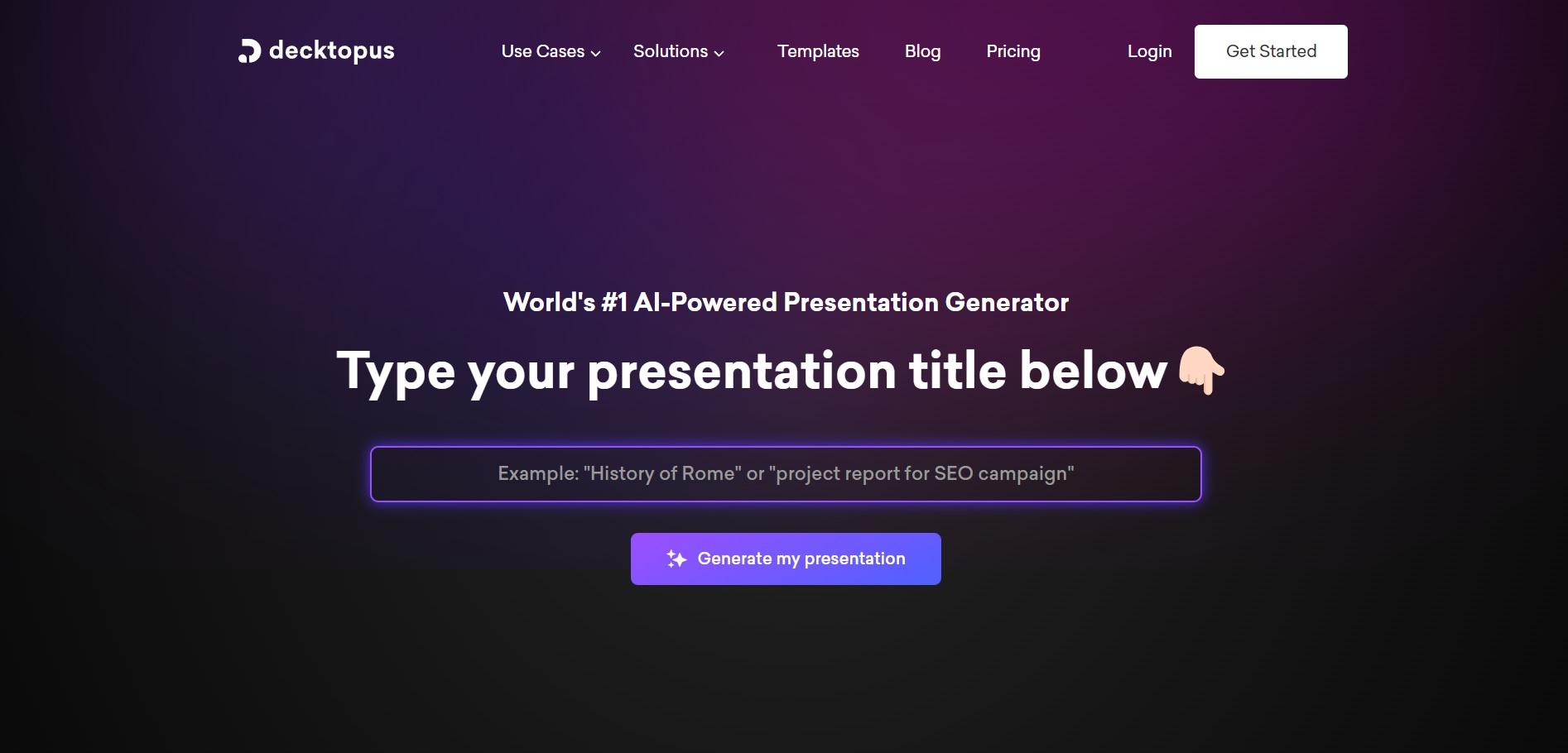
Decktopus AI is an AI-powered presentation software that lets you create presentations in seconds.
With a seamless blend of AI-generated content, an easy-to-use interface, customizable templates, and interactive features, the AI tool empowers users to easily create visually stunning and engaging presentations in a fraction of the time it traditionally takes.
Whether you're a business professional, educator, or content creator, Decktopus AI is your ticket to elevating your presentations and leaving a lasting impression on your audience.
Decktopus Key Features
| Feature | Description |
|---|---|
| AI-Powered Content Generation | Decktopus leverages artificial intelligence to automatically create professional presentation content based on the topic. |
| Customizable Templates | A wide array of visually appealing templates tailored to different presentation purposes. |
| Target Audience Selection | Users can specify their target audience to ensure the content resonates effectively. |
| Interactive Slide Elements | Enhance your presentations by incorporating multimedia elements like videos, live websites, and interactive content to engage the audience. |
| Auto-Adjusted Layouts | Decktopus allows you to automatically adjust slide layouts to ensure a balanced and professional appearance. |
| Tailored Slide Notes | AI-generated slide notes that complement the presentation content and guide the presenter. |
| Image & Icon Finder | Instantly source relevant images and icons, saving time browsing stock photo websites. |
| Customization Options | Customize content, images, and layout to match your preferences and brand identity. |
| Voice Recorder | Add a personal touch to presentations with audio narration for enhanced engagement. |
| Built-In Forms | Collect information and feedback from the audience in real time through customizable forms. |
| Embed Multimedia | Easily embed videos, live websites, and multimedia elements to enhance presentation interactivity. |
| AI-Powered Templates | Access pre-designed templates for various use cases, streamlining presentation creation. |
| Custom Domain Integration | Connect your custom domain for a personalized branding experience. |
| Webhook Integration | Automate actions and streamline workflows by integrating webhooks into your presentations. |
| Ease of Use | User-friendly interface and intuitive workflow, suitable for users of all skill levels. |
| Lead Generation | Built-in forms help collect valuable audience information and feedback. |
| Presentation Preview | Preview and fine-tune presentations before sharing them with the audience. |
| Shareable Links | Receive shareable links for easy distribution of your presentations. |
Pros And Cons
PROS
CONS
Decktopus Pricing Plans
1. Free
Features
It includes 100 AI credits, unlimited presentations, unlimited storage, AI deck generation, AI magic image, limited presentation templates, HQ charts, action slides, and live & email support.
2. Pro AI
Features
It offers everything included in the Free plan plus; Private folders, presentation embed, presentation analytics, and export form response in CSV.
Price
It costs $9.99/month.
3. Business AI
Features
It offers everything included in the Pro AI plus; Custom font upload, footer notes and Logos, Webhook integration, form response uploads, and custom domain connection.
Price
It costs $36/month.
Decktopus Comparison With Alternatives
[TABLE]
Decktopus AI Vs. Beautiful.ai
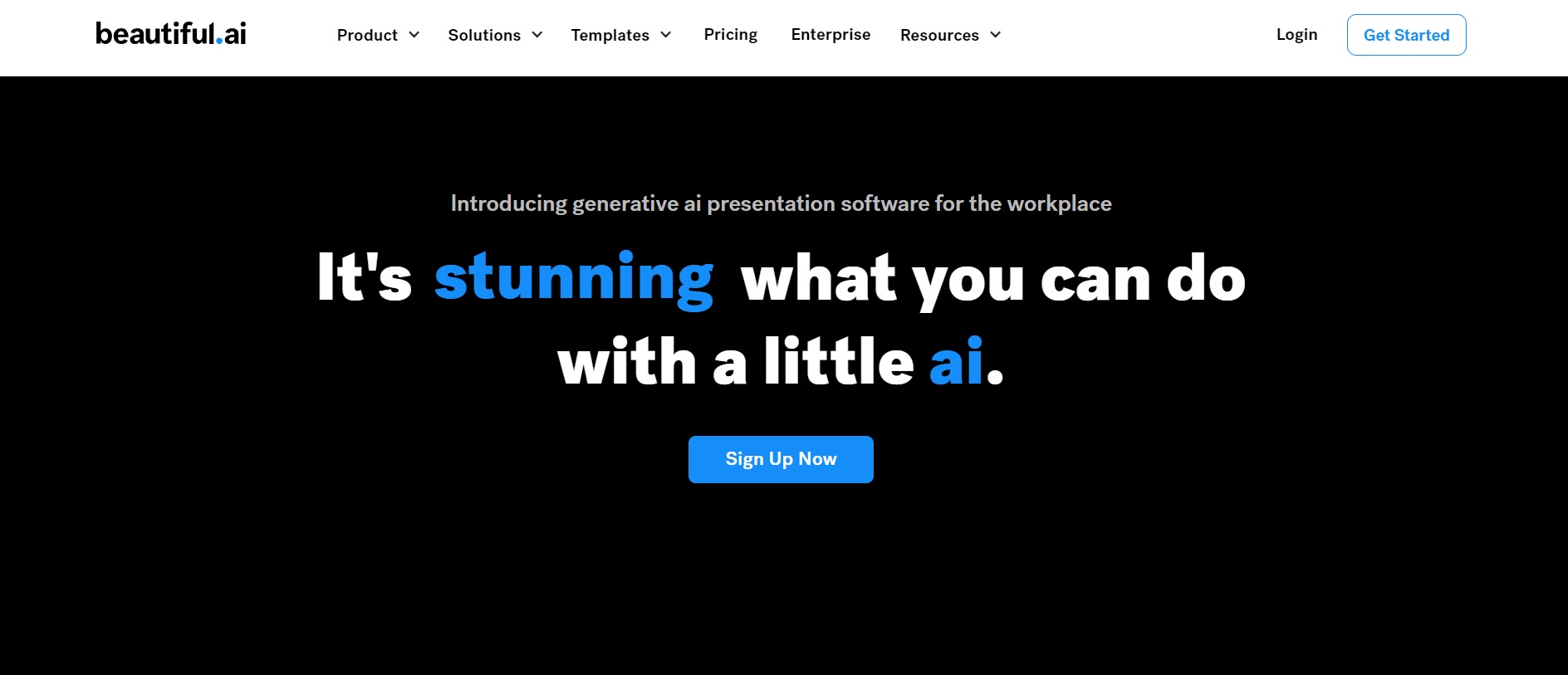
Dectopus and Beautiful are AI tools in the niche of AI presentation generation.
We have given a detailed comparison between the two tools to help you pick the right tool for your requirements,
1. Content Generation and Customization
Decktopus AI offers AI-powered content generation based on the provided topic.
Provides tailored slide notes, interactive elements, and customizable templates, allowing users to add a personal touch to presentations.
Beautiful.ai offers smart templates that guide users in creating modern presentations.
Provides real-time design adaptation as content is added, automating formatting.
Allows customization of slide layouts, fonts, and colors.
2. Interactivity and Multimedia
Decktopus AI allows users to embed multimedia elements like videos, live websites, and interactive content to enhance audience engagement.
Beautiful.ai enables users to visualize data through beautifully designed charts, diagrams, and graphs, enhancing the interactivity of the presentation.
3. Collaboration and Teamwork
Decktopus AI provides features like built-in forms for lead generation and tailored slide notes, but it doesn't explicitly emphasize team collaboration.
Beautiful.ai offers a Team Plan that enables remote team members to create consistent presentations under a single account.
4. Branding and Consistency
Decktopus AI allows customization of templates to match brand identity, but branding features are not as explicitly highlighted.
Beautiful.ai provides millions of modern images and icons that reflect brand guidelines ensuring every slide remains on-brand.
5. Ease of Use
Decktopus AI has a user-friendly interface and intuitive workflow to cater to users of all skill levels.
Beautiful.ai emphasizes ease of use with simple, intuitive controls for slide editing, resizing, and positioning.
6. Data Visualization
Decktopus AI offers multimedia embedding options for data visualization, including videos and interactive content.
Beautiful.ai provides pre-designed charts, diagrams, and graphs to visualize data effectively.
7. Integration
Decktopus AI integrates with platforms like Dropbox, Webex, Slack, etc.
This integration empowers users to seamlessly incorporate content from their preferred tools, collaborate effectively through communication platforms, and streamline their workflows.
Beautiful.ai takes a proactive approach to integration by offering connectivity with tools like Slack, Dropbox, PowerPoint, and monday.com.
This emphasis on integration enables users to synchronize tasks, manage files, and collaborate effortlessly, ensuring that their presentations seamlessly fit into existing work processes.
8. Pricing
Beautiful.ai and Decktopus AI offer pricing plans to cater to various user needs and collaboration levels.
Beautiful.ai provides a range of plans, including the PRO plan for individuals at $12/month, featuring unlimited slides and AI content generation.
The TEAM plan at $40/user/month extends this to collaborative workspaces and customized themes.
The ENTERPRISE plan offers advanced security and support with custom pricing.
Decktopus AI's PRO AI plan costs $9.99/month, providing AI credits, logo removal, and analytics for a single user.
The BUSINESS AI plan at $36/user/month expands features to include custom domains, form tracking, brand customization, and more.
Decktopus Review
Decktopus harnesses the power of AI technology to transform the presentation creation process, making it accessible to users of all skill levels.
Deck Samples for Inspiration
One of Decktopus's standout features like its collection of AI-powered deck samples.
These samples showcase how the platform can create presentations tailored to different use cases quickly and easily, from sales pitches to case studies.
Tailored Slide Notes and Auto-Adjusted Slide Layouts
The tailored slide notes ensure that presenters are armed with well-crafted content to complement their slides.
Moreover, the auto-adjusted slide layouts eliminate the need for users to spend hours manually arranging elements.
Ease of Use and Customization
The platform's intuitive workflow ensures that even those without design experience can craft impressive presentations.
Furthermore, Decktopus strikes the perfect balance between automation and customization, allowing users to add a personal touch to their presentations while benefiting from AI-powered design assistance.
Lead Generation and Multimedia Elements
The built-in forms and interactive elements enable businesses to gather valuable audience data seamlessly.
Additionally, the platform supports multimedia elements, enabling users to enrich their presentations with videos, live websites, and other interactive content.
This capability contributes to an engaging and immersive presentation experience.
Image and Icon Suggestions
The integrated image and icon suggestions feature simplifies finding relevant visual assets.
Users can access various images and icons that align with their presentation theme and content with a simple click.
Embed Live Websites and Videos to Enhance Presentations
This dynamic element adds a layer of interactivity and engagement to presentations, allowing presenters to seamlessly share external content without disrupting the presentation flow.
Benefits of Using Decktopus
Businesses and individuals alike stand to benefit from using Decktopus AI Presentation Generator.
Its AI-powered design assistance streamlines the creation process, enabling users to craft visually stunning presentations in mere minutes with the power of one magic button.
The inclusion of a voice recorder further adds a personal touch to presentations, enhancing the overall delivery and impact.
How To Create a Presentation With Decktopus AI?
Creating a compelling presentation is a breeze with Decktopus AI Presentation Maker.
Here's a detailed breakdown of the content creation process:
Step 1: Sign Up and Login
Begin by signing up for an account on Decktopus AI Presentation Maker.
Once registered, log in to access the platform's powerful features.
Step 2: Choose a Presentation Title
Provide a captivating presentation title that encapsulates the essence of your content.
This title serves as the foundation for your presentation.
Step 3: Select Your Target Audience
Select your audience type to ensure the generated content resonates effectively with them.
Step 4: Choose the Presentation Purpose
Indicate the purpose of your presentation, whether it's for sales, education, marketing, or any other goal.
Decktopus's AI utilizes this information to create content that speaks directly to your topic and audience.
Step 5: Pick a Visually Appealing Theme
Choose a theme that aligns with your presentation content and purpose.
These templates are thoughtfully designed to kickstart your creative process.
Step 6: Set Presentation Duration
Set the desired duration for your presentation.
This input guides Decktopus in structuring the content appropriately for seamless delivery.
Step 7: Generate Your Presentation
Hit the "magic button" and watch Decktopus's AI magic come to life.
The platform will swiftly create a presentation with relevant content, captivating images, and appealing design.
Step 8: Customize Your Presentation
Decktopus offers users the flexibility to customize various elements to match their preferences.
Edit text, images, and layout to fine-tune the presentation according to your vision.
Step 9: Enhance with Multimedia and Content
Leverage Decktopus's multimedia elements to enrich your presentation further.
Embed videos, live websites, and interactive content to engage your audience and enhance the overall experience.
Step 10: Fine-Tune Slide Notes
Decktopus's tailored slide notes are designed to complement your presentation content.
Utilize these notes as a reference during your delivery to ensure a seamless and confident performance.
Step 11: Preview and Edit
Preview your presentation to ensure it aligns with your vision.
Make any necessary edits to ensure a polished and professional result.
Step 12: Save and Share
Once satisfied, save your presentation within the Decktopus platform.
You'll receive a shareable link to distribute to your audience, ensuring easy access to engaging content.
Step 13: Present with Confidence
With your meticulously crafted presentation in hand, deliver your content confidently.
Decktopus's process of creating presentations is a game-changer.
It offers a seamless blend of content creation, design assistance, and customization to help users create visually stunning presentations that captivate their audience.
Conclusion
Decktopus AI Presentation Generator is a game-changer for anyone seeking to enhance their presentation prowess.
Its comprehensive features, from tailored slide notes to AI-generated content, offer users the tools to create compelling presentations effortlessly.
By leveraging the platform's capabilities, users can enrich their presentations with multimedia elements, embed live content, and ultimately captivate their audiences with visually stunning and engaging presentations.